
Android devices are powerful, versatile, and constantly evolving. Yet, many users only scratch the surface of what their smartphones can do. Hidden beneath the familiar menus and standard options are settings that can enhance your device’s performance, improve battery life, and even make your daily tasks easier. In this guide, we’ll explore the best hidden Android settings you should enable to get the most out of your device in 2026.
Why You Need to Explore Hidden Android Settings
Most Android users stick to basic settings like adjusting brightness, changing wallpapers, or managing notifications. While these options are useful, there’s a wealth of hidden Android settings that remain undiscovered. By enabling these settings, you can:
- Improve battery efficiency
- Boost performance and speed
- Protect your privacy
- Access advanced developer options
- Personalize your phone experience
If you’re looking to take full control of your smartphone, knowing these best hidden Android settings you should enable is essential.
1. Enable Developer Options
One of the most powerful hidden Android settings is the Developer Options menu. This menu gives you access to features that are otherwise unavailable to standard users.
How to Enable Developer Options:
- Go to Settings > About Phone
- Tap Build Number 7 times
- Enter your password if prompted
- You’ll see Developer Options in your settings
Key Features to Explore:
- USB Debugging: Essential for advanced users and app developers
- Animation Scales: Reduce or disable animations to make your phone feel faster
- Background Process Limit: Control how many apps run in the background
Enabling Developer Options opens the door to some of the best hidden Android settings you should enable for improved performance.
2. Hidden Battery Optimization Settings
Battery life is always a concern for Android users. Most people only use the standard Battery Saver mode, but Android hides more powerful options.
Steps to Unlock:
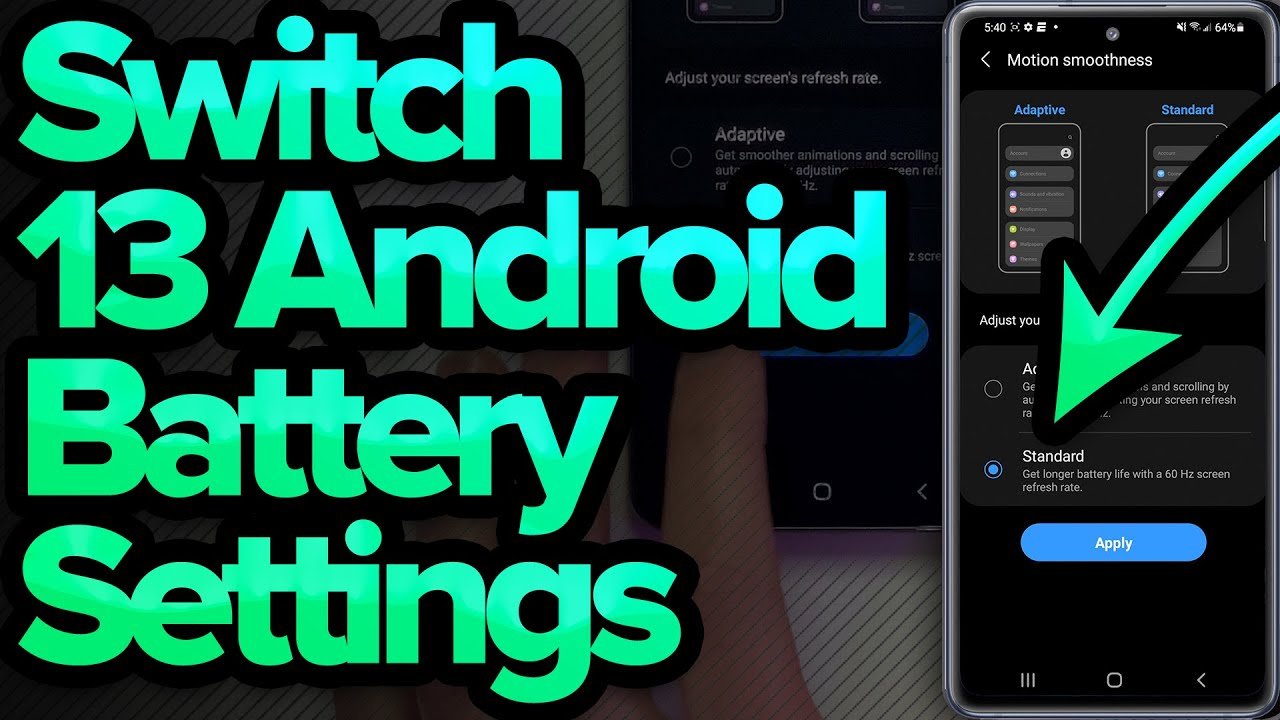
- Go to Settings > Battery > Battery Optimization
- Tap on apps and set them to Optimized
- Enable Adaptive Battery to learn your usage patterns
Benefits:
- Extends battery life by managing apps intelligently
- Reduces unnecessary background activity
- Keeps your phone running smoothly for longer
Battery optimization is one of the best hidden Android settings you should enable if you want your device to last all day.
3. Customize Quick Settings Tiles
Quick Settings in Android are convenient, but most users stick with the default tiles like Wi-Fi, Bluetooth, and Flashlight. Android allows you to customize these tiles to access your favorite features quickly.
How to Customize:
- Swipe down from the top of your screen
- Tap the Edit icon
- Drag and drop tiles to add features like Screen Recorder, Data Saver, or Night Light
Custom Quick Settings make your device more efficient, and this tweak is among the best hidden Android settings you should enable.
4. Manage App Permissions
Privacy is a growing concern, and Android gives you hidden tools to control how apps access your data.
Steps:
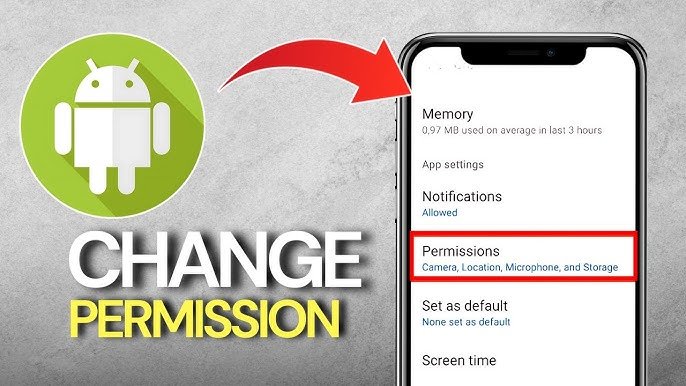
- Go to Settings > Privacy > Permission Manager
- Check apps with access to sensitive data like location, camera, and microphone
- Revoke permissions for apps you don’t fully trust
By managing app permissions, you protect your personal data while keeping your apps functional. This is a crucial step in discovering the best hidden Android settings you should enable.
5. Enable Smart Lock
Android’s Smart Lock keeps your phone unlocked in trusted situations. Most users don’t know this feature exists, but it can save time and improve convenience.
How to Enable:
- Go to Settings > Security > Smart Lock
- Choose options like Trusted Devices, Trusted Places, or On-Body Detection
Smart Lock allows your phone to remain accessible when needed and secure when it’s not, making it one of the best hidden Android settings you should enable.
6. Activate One-Handed Mode
Larger smartphones are great for media, but they can be cumbersome to use with one hand. Android hides a One-Handed Mode that makes navigation easier.
How to Enable:
- Go to Settings > Advanced Features > One-Handed Mode
- Toggle it on and choose your preferred activation method
This feature is perfect for those who use their phones on the go, another hidden gem in the best hidden Android settings you should enable list.
7. Use Gesture Navigation
If you haven’t switched from traditional buttons to gesture navigation, you’re missing out on a faster, smoother experience.
How to Enable:
- Go to Settings > System > Gestures > System Navigation
- Choose Gesture Navigation
Gestures make multitasking seamless and are widely considered one of the best hidden Android settings you should enable for a modern smartphone experience.
8. Hidden Wi-Fi & Network Settings
Android hides some advanced network settings that can improve your connectivity.
Features to Explore:
- Wi-Fi Frequency Band: Switch between 2.4 GHz and 5 GHz for faster speeds
- Private DNS: Enable DNS-over-TLS for safer browsing
- Wi-Fi Assistant: Automatically connects to secure networks
Tweaking network settings is an often-overlooked step, yet it’s essential among the best hidden Android settings you should enable.
9. Customize Notifications
Notifications can be overwhelming, but Android gives you hidden options to control them precisely.
How to Customize:
- Go to Settings > Apps & Notifications > Notifications
- Control Priority, Sound, and Pop-up for each app
- Enable Notification Snooze for temporary breaks
Managing notifications makes your phone less stressful and more organized, ranking high in the best hidden Android settings you should enable.
10. Hidden Display Settings
Your phone’s display settings can be optimized beyond brightness adjustments. These hidden tweaks improve comfort and reduce eye strain.
Key Options:
- Dark Mode: Protects your eyes and saves battery
- Night Light: Reduces blue light at night
- Font Size & Display Scaling: Personalizes readability
Display optimization is crucial for everyday use and is a must-have in the best hidden Android settings you should enable.
11. Use Advanced Sound Controls
Android hides sound settings that can enhance audio experience:
- Adapt Sound: Customizes audio based on your hearing
- Mono Audio & Balance: Ideal for headphones
- Vibration Intensity: Adjust for calls, notifications, and touch feedback
Audio customization is often ignored but highly valuable, another essential in the best hidden Android settings you should enable.
12. Explore Accessibility Settings
Accessibility features aren’t just for users with impairments—they can enhance the experience for everyone.
Useful Accessibility Features:
- Magnification Gestures: Zoom in on any part of your screen
- Select to Speak: Reads selected text aloud
- Color Correction: Adjust for color blindness or preference
These hidden tools make Android more versatile and accessible, completing the list of best hidden Android settings you should enable.
13. Keep Your Android Device Updated
Finally, staying on the latest Android version unlocks hidden features regularly. Go to Settings > Software Update > Download and Install to ensure your phone runs smoothly. Many new hidden settings appear with updates, keeping your device modern and efficient.
Conclusion
Exploring the best hidden Android settings you should enable can transform your smartphone experience. From battery optimization to gesture navigation and advanced sound controls, these hidden features make your device faster, smarter, and more secure.
Start enabling these settings today, and you’ll discover just how much more your Android phone can do.