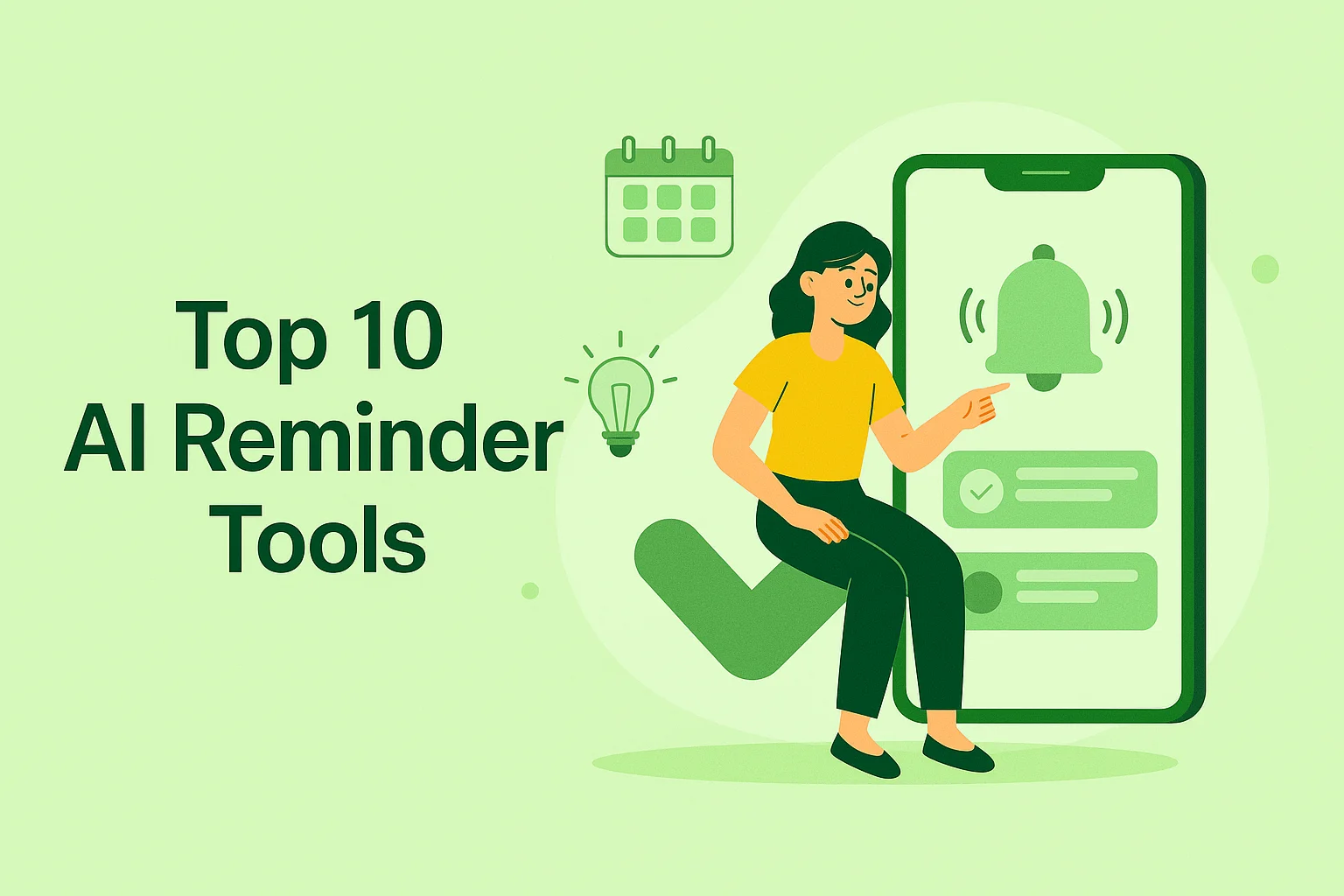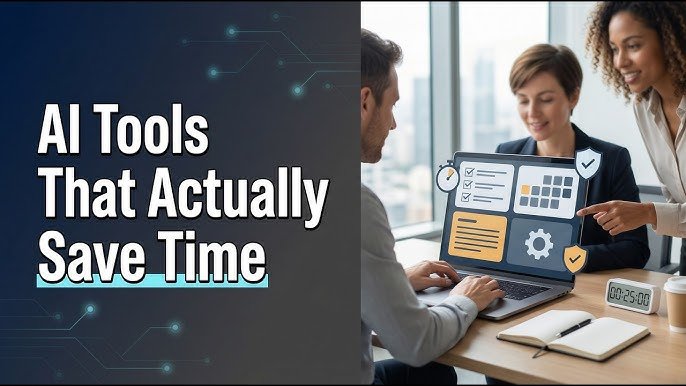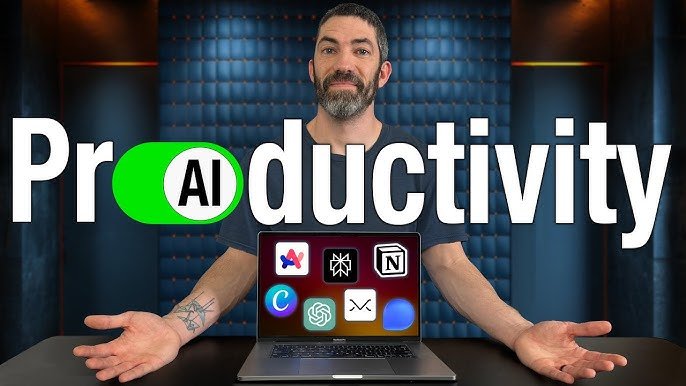

In today’s fast-paced world, working remotely or on-the-go has become the new norm. With the rise of smartphones and cloud-based technology, the traditional office setup is no longer the only option for getting work done efficiently. This is where AI tools for work from phone come into play, offering innovative solutions that help professionals streamline tasks, improve productivity, and stay organized — all from the palm of their hand. In this article, we’ll explore the best AI tools for work from phone that every modern worker should know about.
Why You Need AI Tools for Work From Phone
Managing tasks, scheduling meetings, and handling communication can be overwhelming, especially when you’re constantly on the move. AI tools simplify these processes by automating repetitive tasks, analyzing data quickly, and providing intelligent recommendations. Here are some key reasons why adopting AI tools for work from phone is a game-changer:
- Enhanced Productivity – AI-powered apps reduce manual work, helping you focus on high-priority tasks.
- Smart Automation – From email management to scheduling, AI tools automate routine workflows.
- Anywhere Access – All your work tools are accessible from your phone, allowing true mobility.
- Data-Driven Insights – AI can analyze your work patterns and suggest improvements.
With these benefits in mind, let’s look at some of the top AI tools that can transform your mobile workspace.
1. AI-Powered Task Managers
A good task manager is essential for staying on top of deadlines and responsibilities. AI-driven apps such as Todoist and ClickUp use AI to prioritize tasks based on deadlines, urgency, and your working habits. These apps can even suggest the best time to complete tasks, helping you stay productive throughout the day.
- Key Features: Smart task prioritization, deadline reminders, project tracking.
- Why It’s Great: Helps organize work efficiently from your phone without the need for a laptop.
2. AI Writing Assistants
Whether you’re drafting emails, reports, or social media content, AI writing assistants can save time and improve quality. Tools like Grammarly and Copy.ai use AI to check grammar, suggest better wording, and even generate content ideas. By integrating these tools into your phone workflow, you can write professional content faster and more effectively.
- Key Features: Grammar checks, tone suggestions, content generation.
- Why It’s Great: Ensures your communication is polished and error-free, directly from your mobile device.
3. AI Virtual Assistants
Virtual assistants powered by AI, such as Google Assistant and Microsoft Cortana, help manage your day with simple voice commands. You can schedule meetings, set reminders, send messages, and even control other apps hands-free. These assistants are particularly useful for professionals who need to multitask while traveling or commuting.
- Key Features: Voice commands, calendar management, app integration.
- Why It’s Great: Makes mobile working seamless and hands-free, saving precious time.
4. AI for Email Management
Email is one of the most time-consuming tasks for remote workers. AI email tools like Superhuman and SaneBox use intelligent algorithms to sort emails, highlight important messages, and suggest quick responses. With these tools on your phone, you can maintain inbox zero and avoid missing critical messages.
- Key Features: Email prioritization, smart notifications, quick reply suggestions.
- Why It’s Great: Reduces the stress of managing a busy inbox while on-the-go.
5. AI Meeting and Scheduling Tools
Scheduling meetings across different time zones can be challenging. AI scheduling tools like Calendly and x.ai automatically find suitable meeting slots and sync with your calendar. Some AI apps even provide real-time transcription and summarization of meetings, allowing you to focus on the discussion rather than taking notes.
- Key Features: Automated scheduling, time-zone management, meeting transcription.
- Why It’s Great: Saves time and ensures smooth coordination, even while traveling.
6. AI-Powered Analytics and Reporting
For professionals dealing with data, AI analytics tools like Tableau Mobile and Zoho Analytics allow you to analyze reports, visualize trends, and make decisions directly from your phone. AI-driven insights make it easier to spot patterns, forecast outcomes, and track performance metrics efficiently.
- Key Features: Data visualization, predictive analytics, automated reporting.
- Why It’s Great: Enables informed decision-making anytime, anywhere.
Tips for Maximizing AI Tools on Your Phone
To get the most out of AI tools for work from phone, follow these practical tips:
- Integrate Apps: Use apps that sync with each other for seamless workflow.
- Customize Notifications: Avoid distractions by setting alerts only for high-priority tasks.
- Use Offline Mode: Choose apps that allow offline access when internet connectivity is low.
- Leverage AI Suggestions: Trust the AI recommendations but always review critical decisions.
The Future of Mobile Work with AI
The adoption of AI tools is transforming how we work, particularly from mobile devices. With more powerful AI technologies emerging in 2026, professionals can expect smarter automation, better predictive insights, and fully integrated mobile work environments. Embracing these AI tools for work from phone will not only enhance productivity but also give you a competitive edge in today’s remote work landscape.
Conclusion
Working efficiently from your phone is no longer a dream—it’s a reality, thanks to AI tools. From task management to writing, email handling, scheduling, and analytics, AI apps empower professionals to stay productive, organized, and focused on what truly matters. By incorporating these AI tools for work from phone into your daily workflow, you can achieve more in less time, all from the convenience of your smartphone.
Whether you are a freelancer, entrepreneur, or a remote employee, exploring these AI tools today will prepare you for the future of mobile work