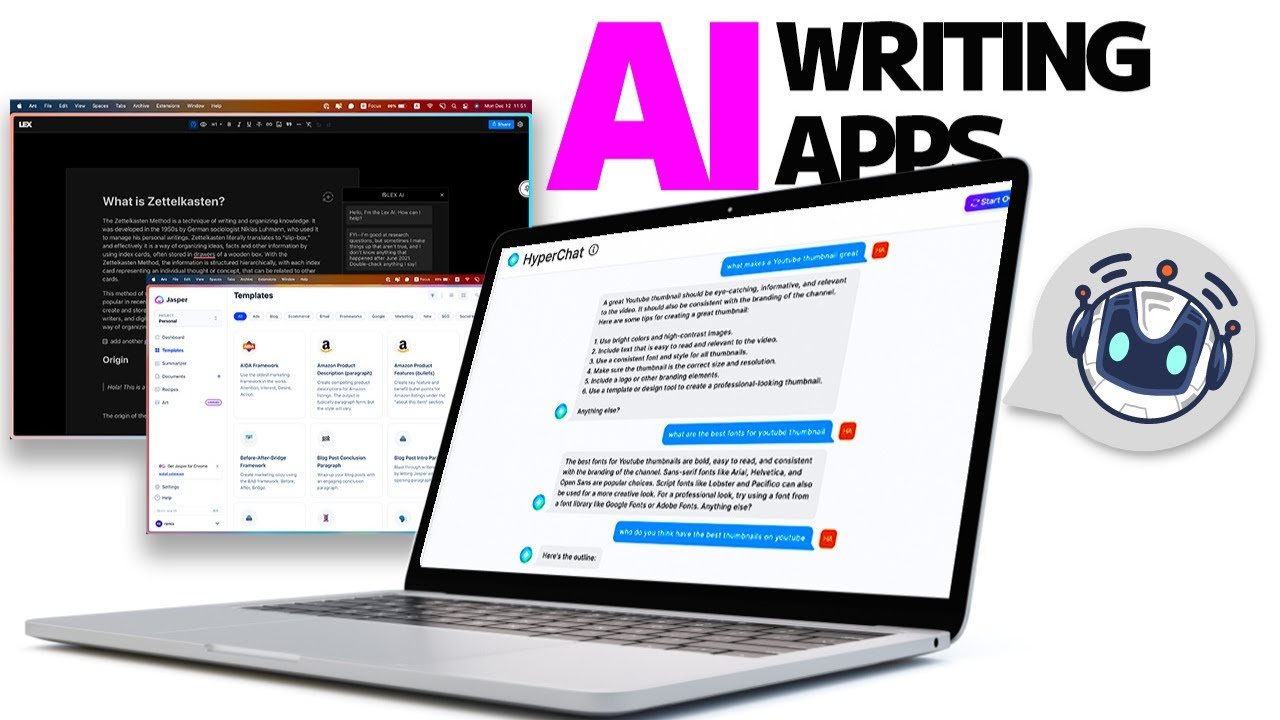

Artificial Intelligence (AI) has rapidly transformed the way we interact with technology, and mobile devices are no exception. From smart assistants to AI-powered photo editors, AI apps on mobile make daily tasks easier, faster, and more efficient. If you’re new to the world of AI, this Beginner Guide to Using AI Apps on Mobile will help you understand how to get started, choose the right apps, and maximize their potential.
What Are AI Apps on Mobile?
AI apps are applications that use artificial intelligence technologies, like machine learning and natural language processing, to perform tasks that usually require human intelligence. These apps can assist with tasks such as:
- Personal organization and reminders
- Photo and video editing
- Language translation
- Content generation
- Health tracking
The key benefit is that AI apps learn from your behavior to provide smarter, more personalized results over time.
Why You Should Start Using AI Apps
AI apps on mobile are not just a tech trend—they’re practical tools that can simplify your daily life. Here’s why you should start using them:
- Efficiency: AI apps automate repetitive tasks, saving you time and effort.
- Personalization: Apps adapt to your habits, offering tailored recommendations.
- Accessibility: Many AI apps are user-friendly, even for beginners.
- Productivity: They help organize your work, set reminders, and prioritize tasks.
By understanding these benefits, beginners can confidently start exploring AI apps without feeling overwhelmed.
How to Choose the Right AI Apps for Beginners
When starting out, it’s important to pick apps that are easy to use and provide real value. Here are a few tips:
- Read Reviews: Look at user feedback in the app store to gauge reliability.
- Check Features: Make sure the app’s functions match your needs, such as photo editing or task management.
- Try Free Versions First: Many AI apps offer free trials, which are perfect for beginners.
- Consider Compatibility: Ensure the app works smoothly on your mobile device.
Some beginner-friendly AI apps include voice assistants, AI photo enhancers, language translators, and note-taking apps.
Getting Started with AI Apps on Mobile
Starting with AI apps is simpler than it sounds. Follow these steps to begin:
1. Download the App
Go to your device’s app store, search for the AI app, and install it. Popular AI apps include voice assistants, AI chatbots, and image editing tools.
2. Sign Up or Log In
Most AI apps require creating an account. Use your email or social media login for quick access.
3. Explore Basic Features
Begin with core functionalities. For instance, if it’s an AI photo editor, try editing one image first. Don’t overwhelm yourself with advanced features initially.
4. Customize Settings
Adjust preferences, notifications, and AI learning options to make the app more useful for your needs.
5. Practice Regularly
The more you use AI apps, the smarter they become. Regular interaction helps the AI learn your patterns and deliver better results.
Tips for Maximizing AI Apps
To get the most out of AI apps on mobile, follow these beginner-friendly tips:
- Start Small: Focus on one app at a time to avoid confusion.
- Use Tutorials: Many AI apps offer in-app guides or video tutorials.
- Check Privacy Settings: Ensure your data is secure and you’re comfortable with permissions.
- Update Regularly: Developers often release updates to improve AI learning and add new features.
- Experiment: Don’t hesitate to try different apps to see what works best for you.
Common Mistakes Beginners Make
Even simple AI apps can feel tricky at first. Avoid these pitfalls:
- Ignoring Tutorials: Skipping guides can slow down your learning curve.
- Overloading Apps: Installing too many AI apps at once can be overwhelming.
- Neglecting Privacy: Always review what data the AI app collects.
- Expecting Perfection: AI is powerful but not flawless; patience is key.
Being aware of these mistakes ensures a smoother start for beginners.
Future of AI Apps on Mobile
AI apps are continually evolving. We can expect:
- Smarter Personal Assistants: AI that anticipates needs before you ask.
- Advanced Image and Video Editing: More intuitive and automated creative tools.
- Better Productivity Tools: AI that integrates seamlessly with calendars, emails, and project management apps.
Starting early with AI apps on mobile prepares you for the next wave of intelligent technology.
Conclusion
For anyone new to artificial intelligence, this Beginner Guide to Using AI Apps on Mobile is your roadmap to embracing smarter mobile technology. By starting with the right apps, exploring features carefully, and practicing regularly, you can make AI a valuable part of your daily routine. Whether for productivity, creativity, or personal assistance, AI apps have the power to simplify life and enhance efficiency.
Meta Title: Beginner Guide to Using AI Apps on Mobile – Dailyinfoo.com
Meta Description: Learn how to start using AI apps on mobile with this beginner-friendly guide. Discover tips, best apps, and step-by-step instructions to enhance productivity and creativity.